Every layer on
The proof opens with all four layers visible, exactly as the file was saved. Nothing is flattened, nothing is lost.


Free PDF SDK is a white-label PDF viewer, annotator and editor for the web. Your users switch PDF layers on and off with a click. You switch panels, tools and whole features on or off, and every menu, toolbar and shortcut follows. It runs in the browser, so documents never leave your page.
PDF layers
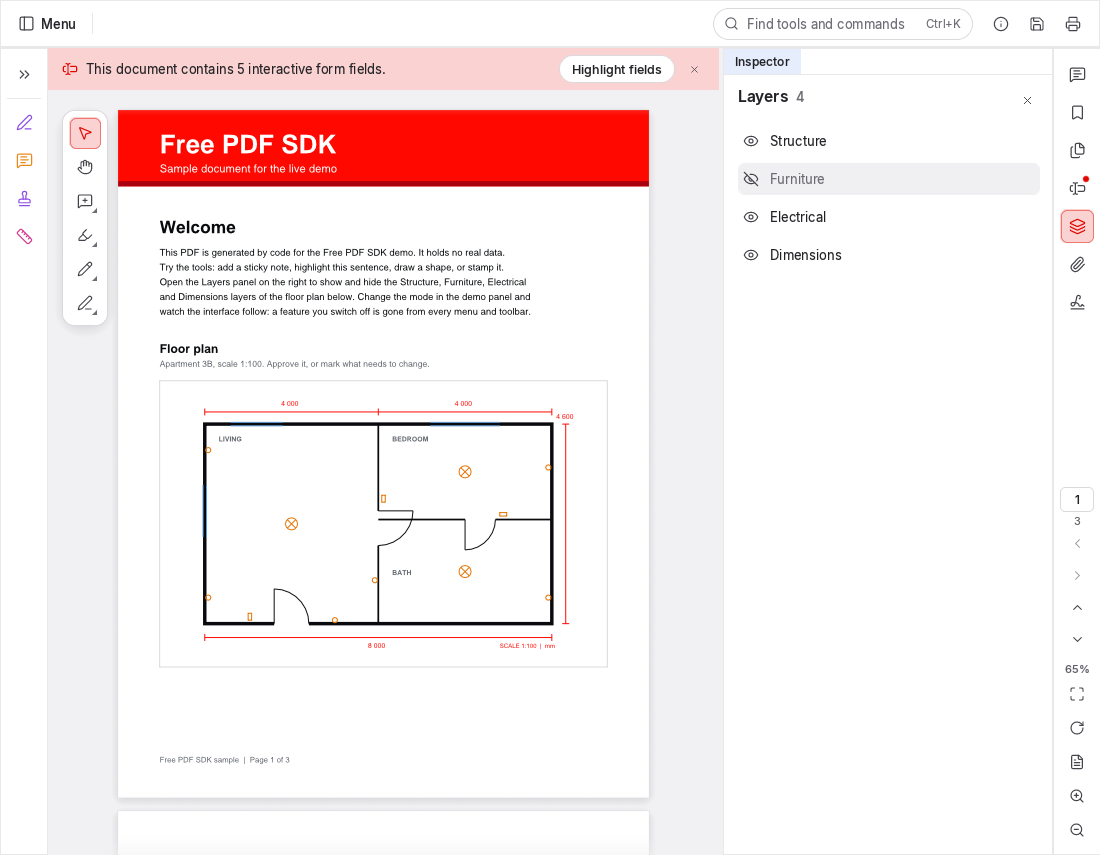
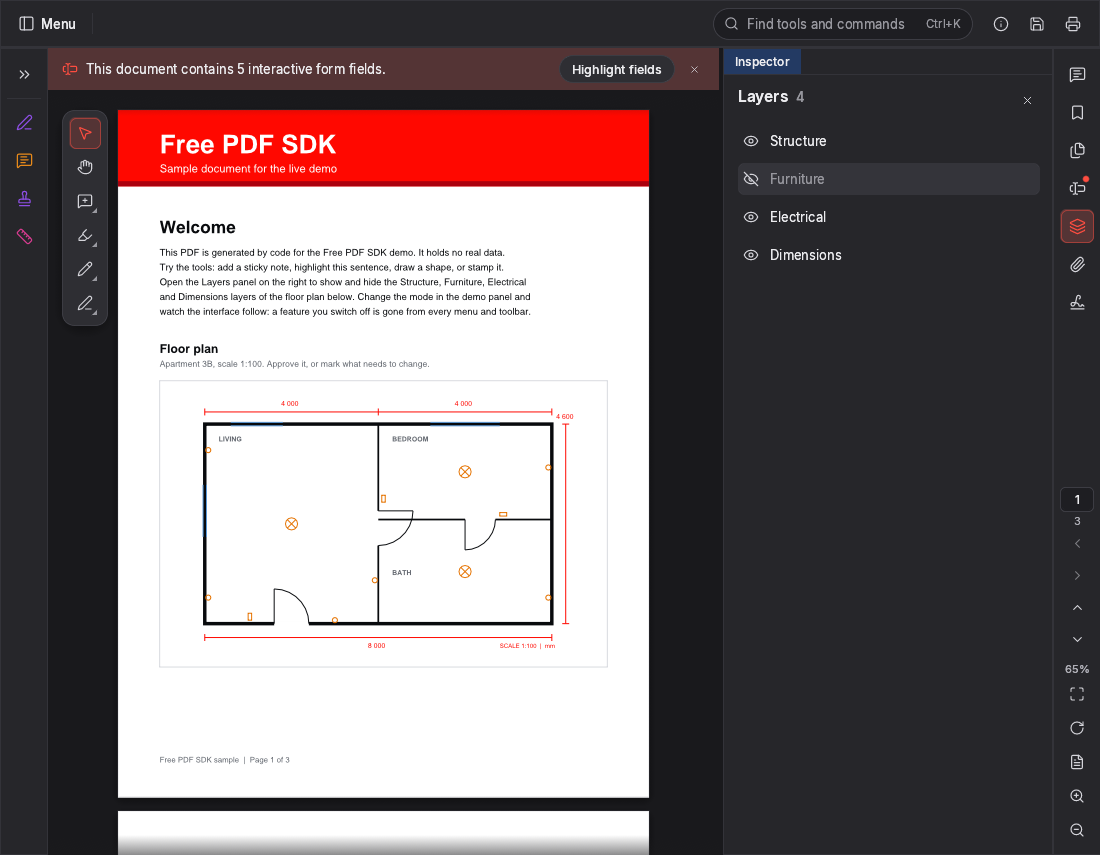
Artwork, dielines, varnish, translations, revisions: PDF layers keep them apart. The Layers panel lists every layer in the document and switches it on or off, and the page redraws instantly. Printing follows what is shown; the file itself is untouched.
The proof opens with all four layers visible, exactly as the file was saved. Nothing is flattened, nothing is lost.
Approvers see the artwork as it will print. Cutting and folding guides disappear without touching the file.
Switch the text off and the spot varnish stands out on its own, so coverage can be checked against the artwork.
Artwork and varnish off, text and dieline on: read every word in position, with nothing in the way.
Try it on the sample proofClick a layer to toggle it
Everything a document workflow needs
Every capability below is a feature flag. Leave one off and it disappears from the toolbars, the menus, the right-click menus and the keyboard shortcuts.
Pick a mode, then fine-tune with 32 feature switches. What's off is gone from every menu, not greyed out.
Distance, perimeter and area with a drawing scale.
Notes, callouts, highlights, shapes, ink and stamps, with replies and review status.
Fill fields, tick boxes, add dates and drawn or typed signatures. Design forms in edit mode.
Insert, delete, rotate, reorder, duplicate, crop, replace and number pages.
WebAssembly in an iframe on your own origin. No server, no uploads, no tracking. AES-256 encrypted files open in place, and an owner password lifts their restrictions.
Mark, apply and sanitize. Hidden information is removed, not covered.
See who signed a file, when, and whether every signature still checks out.
Light, dark and system themes at runtime. Build from source to compile in your name, logo and accent colour.
The whole interface, translated. Pick a locale or follow the browser.
Modes and features
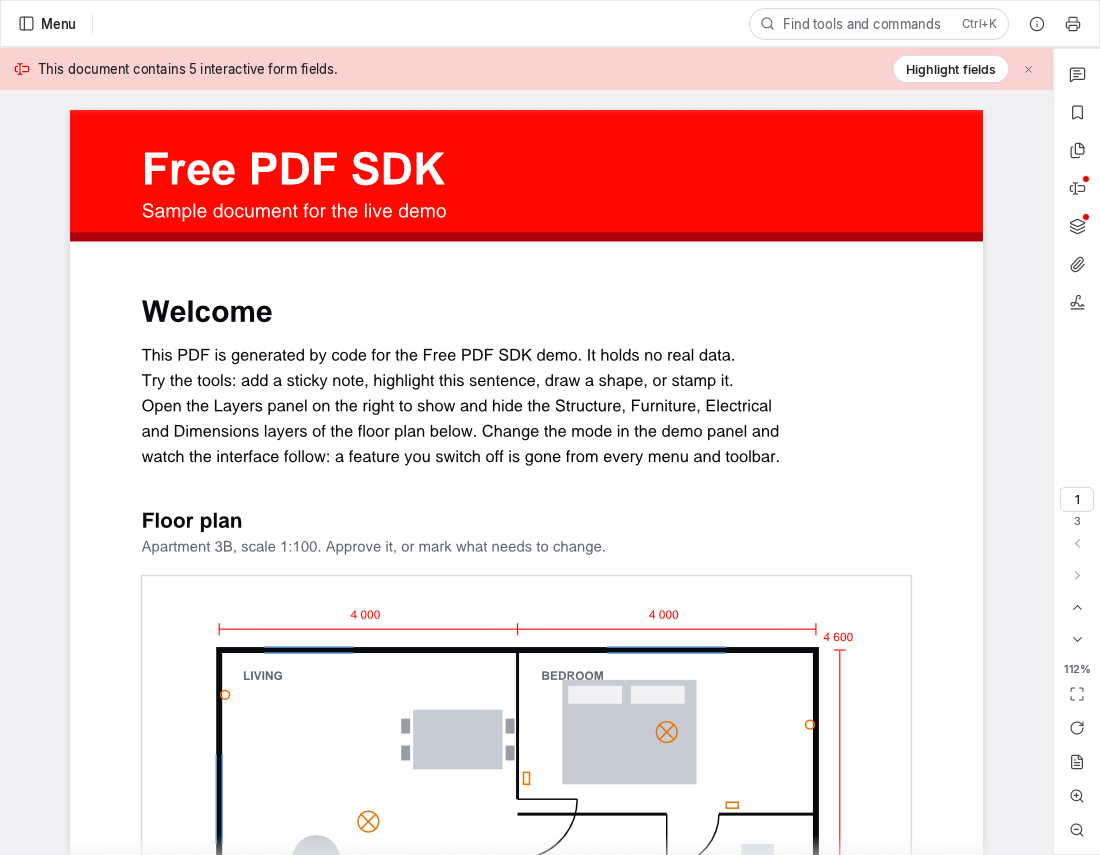
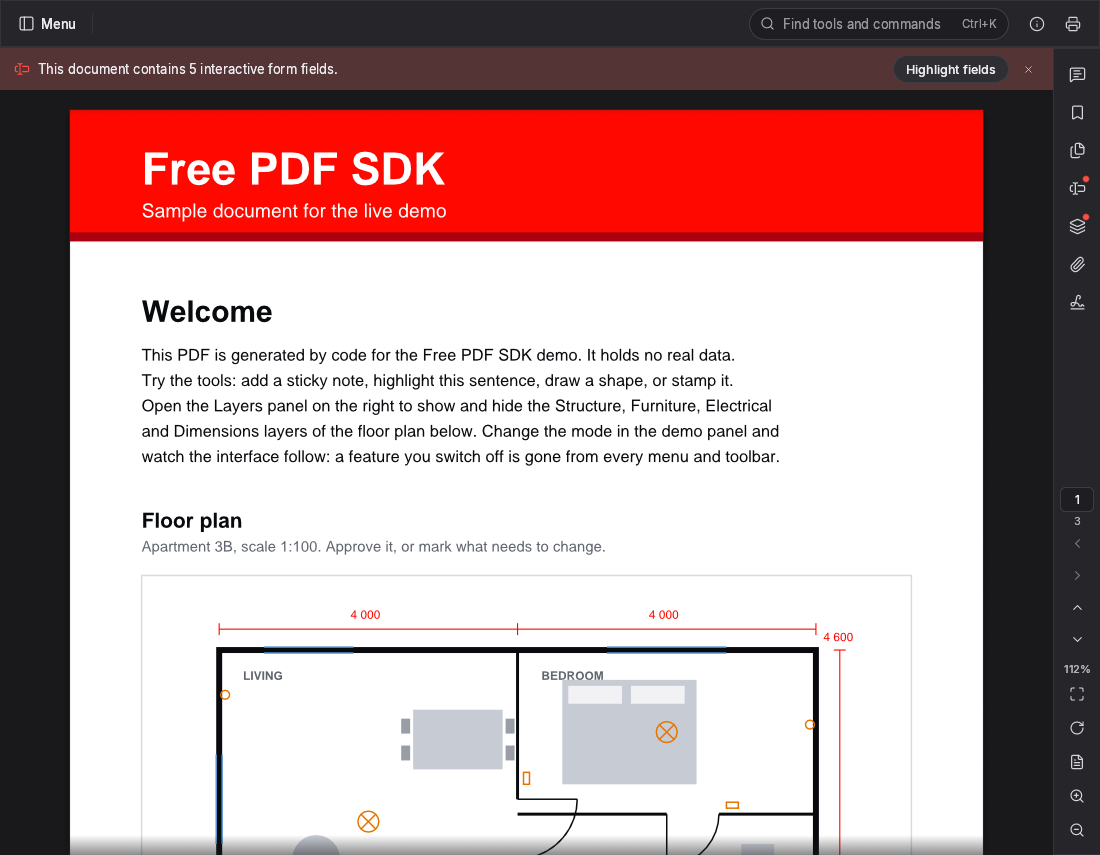
Drag the handle: the same viewer in full mode and in view mode. Every editing tool, panel and menu entry is gone, from the toolbars down to the right-click menus.
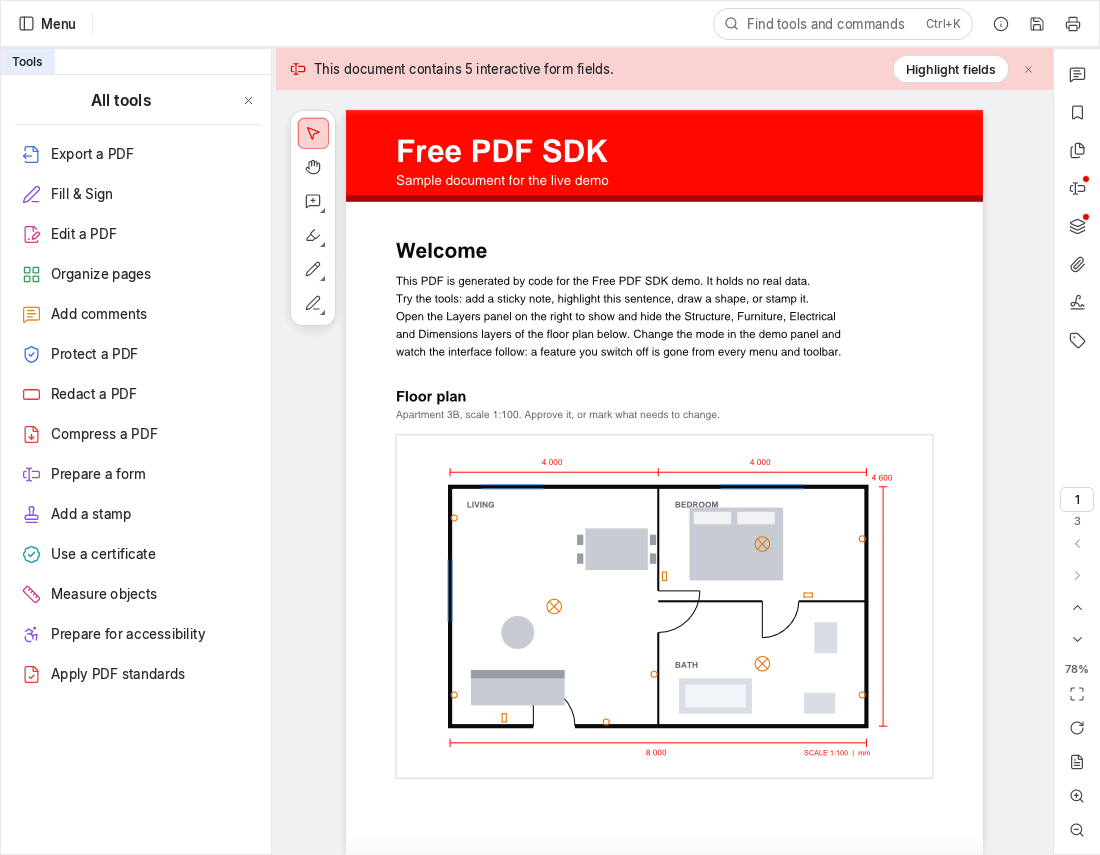
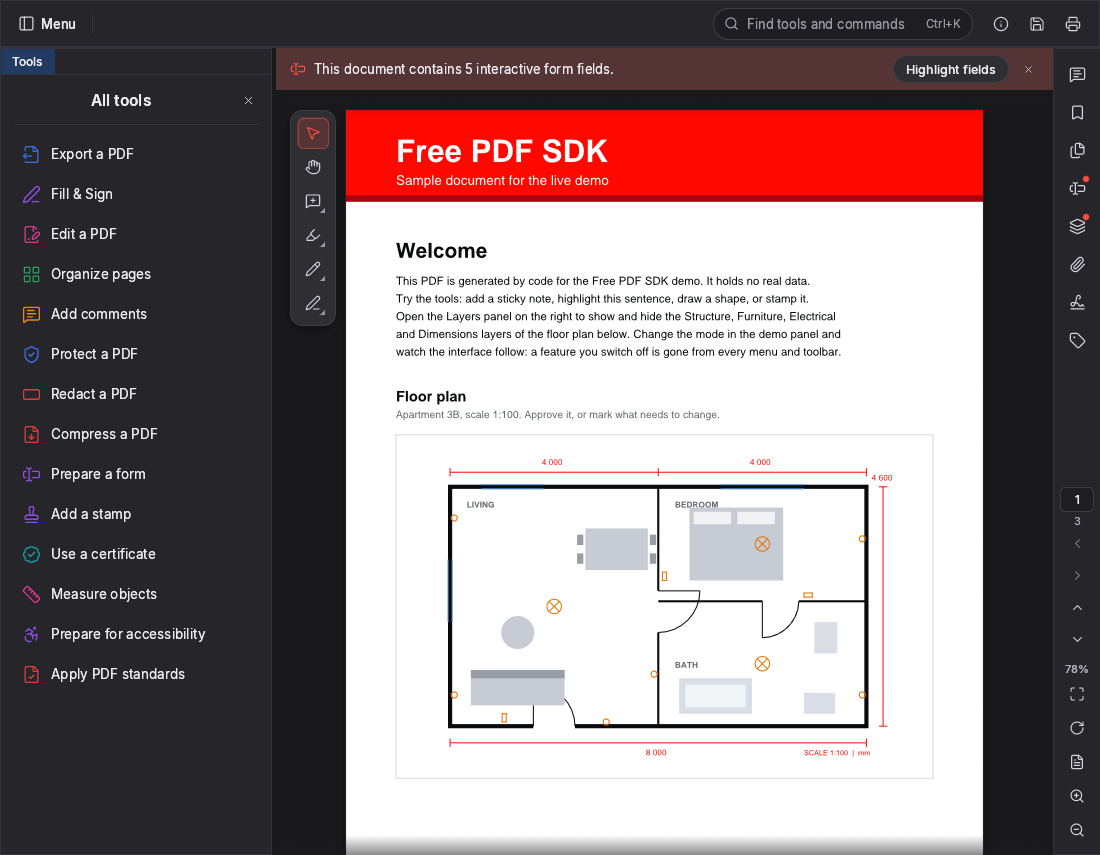
mode
Integrations
First-class components for React and Vue, an action for Svelte, and a Web Component for Angular and everything else. One npm package, fully typed.
import { useRef } from "react";
import { FreePdfViewer, type FreePdfViewerHandle } from "free-pdf-sdk/react";

export function ProofReview({ url }: { url: string }) {
  const ref = useRef<FreePdfViewerHandle>(null);
  return (
    <FreePdfViewer
      ref={ref}
      baseUrl="/free-pdf-sdk/"
      mode="annotate"
      features={{ stamps: false }}
      document={{ url }}
      onAnnotationsChanged={async () => {
        const xfdf = await ref.current?.viewer()?.exportXfdf();
        if (xfdf) await fetch("/api/comments", { method: "PUT", body: xfdf });
      }}
      style={{ height: "80vh" }}
    />
  );
}
<script setup lang="ts">
import { ref } from "vue";
import { FreePdfViewer } from "free-pdf-sdk/vue";

const viewer = ref();
const count = ref(0);
</script>

<template>
  <FreePdfViewer
    ref="viewer"
    base-url="/free-pdf-sdk/"
    mode="annotate"
    :features="{ stamps: false }"
    :document="{ url: '/files/proof.pdf' }"
    @annotations-changed="(e) => (count = e.count)"
    style="height: 80vh"
  />
</template>
// main.ts: register <free-pdf-viewer> once.
import { defineFreePdfViewer } from "free-pdf-sdk/element";
defineFreePdfViewer();

// proof-review.component.ts
import { Component, CUSTOM_ELEMENTS_SCHEMA } from "@angular/core";

@Component({
  selector: "app-proof-review",
  standalone: true,
  schemas: [CUSTOM_ELEMENTS_SCHEMA],
  template: `
    <free-pdf-viewer
      base-url="/free-pdf-sdk/"
      mode="annotate"
      src="/files/proof.pdf"
      [features]="{ stamps: false }"
      (fps-annotations-changed)="count = $any($event).detail.count"
      style="height: 80vh"></free-pdf-viewer>`,
})
export class ProofReviewComponent {
  count = 0;
}
<script>
  import { freePdf } from "free-pdf-sdk/svelte";
  let mode = "annotate";
  let count = 0;
</script>

<div
  style="height: 80vh"
  use:freePdf={{ baseUrl: "/free-pdf-sdk/", mode, document: { url: "/files/proof.pdf" } }}
  on:fps-annotations-changed={(e) => (count = e.detail.count)}
></div>
<script type="module">
  import { defineFreePdfViewer } from "free-pdf-sdk/element";
  defineFreePdfViewer();
</script>

<free-pdf-viewer
  base-url="/free-pdf-sdk/"
  src="/files/proof.pdf"
  mode="fill"
  ui='{"panels": {"layers": false}}'
  style="height: 80vh"></free-pdf-viewer>
import { FreePdf } from "free-pdf-sdk";

const viewer = await FreePdf.init(document.getElementById("viewer")!, {
  baseUrl: "/free-pdf-sdk/",
  mode: "annotate",
  features: { stamps: false, measurement: false },
  ui: { panels: { layers: false } },
  author: "Ada Lovelace",
  document: { url: "/files/proof.pdf" },
});

viewer.on("annotationsChanged", ({ count }) => console.log(count, "comments"));
const xfdf = await viewer.exportXfdf();
How it works
The viewer is a WebAssembly app in an iframe on your own origin. A small typed wrapper talks to it, so your code stays simple and your page stays isolated.
Add the package to your app.
npm install free-pdf-sdkCopy the viewer files into a folder your site serves, on the same origin.
npx free-pdf-sdk copy-viewer public/free-pdf-sdkGive an element a height and initialise it with a mode and a document.
FreePdf.init(el, { baseUrl, mode })Documentation
Guides for every framework, a full API reference and recipes for common setups.
For AI agents
Every page is also plain Markdown, indexed in /llms.txt, with a JSON Schema of the options so agents generate valid configurations.
/llms.txt and /llms-full.txt/docs/<page>.md for every page/schema/viewer-options.schema.jsonOpen a PDF in the live demo, toggle its layers and switch modes. Nothing is uploaded.